Read the original article in Japanese
English adaptation of a Japanese article published April 10, 2026. Product priorities reflect the author's practical judgment, not controlled medical or ergonomic findings.
A laptop gives you a portable office, but working for hours with only the built-in screen, keyboard, and trackpad can become uncomfortable. When I think about improving a laptop-based setup, I prioritize posture, input, and meetings before premium desk gadgets.
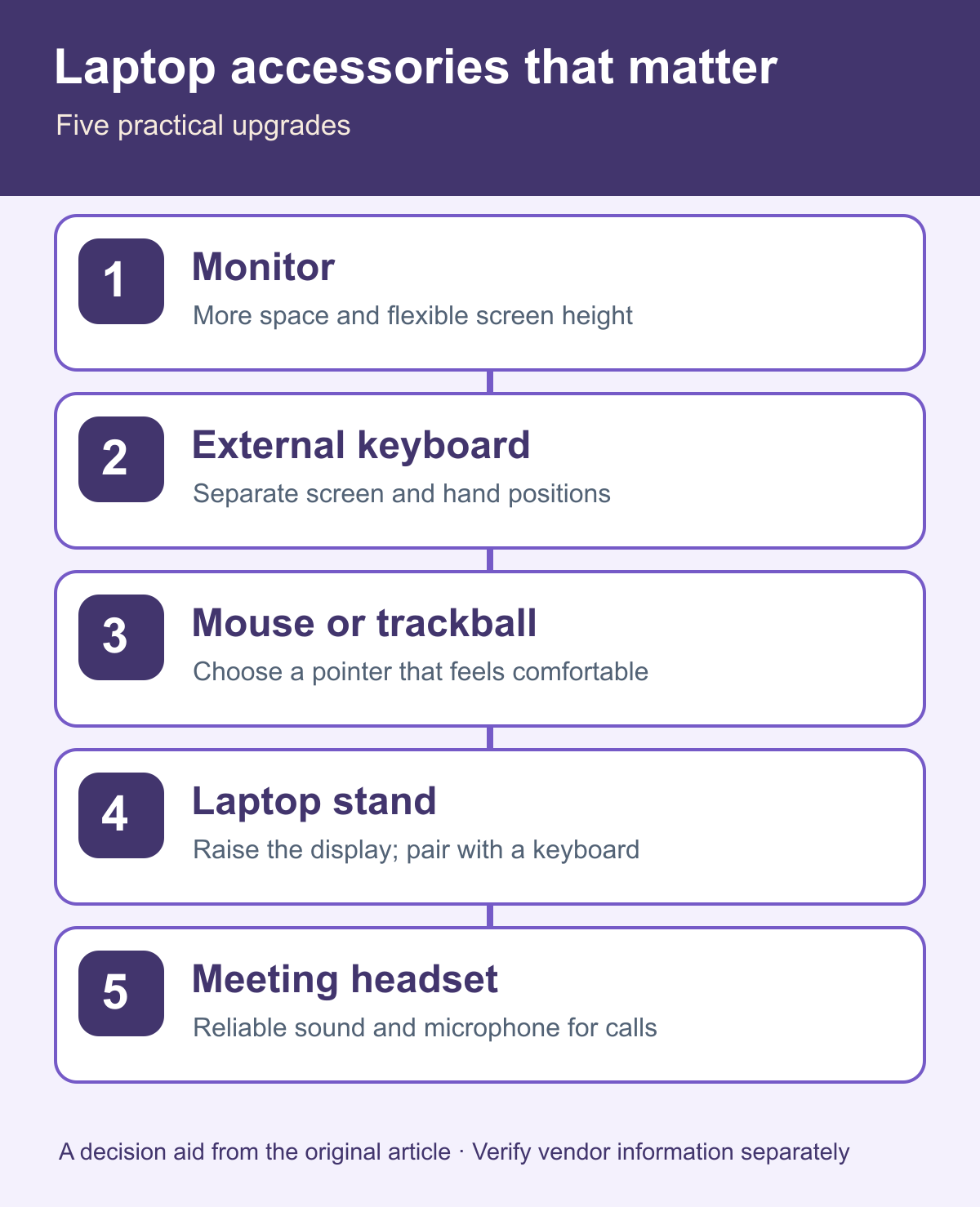
My first five additions would be an external monitor, an external keyboard, a mouse or trackball, a laptop stand, and a headset or earbuds with a microphone. You do not need to buy them all at once.
Which upgrade should come first?
My suggested order for someone working primarily from a laptop is:
- External monitor
- External keyboard
- Mouse or trackball
- Laptop stand
- Meeting headset or microphone-equipped earbuds
This is a practical starting order, not a universal ranking. Someone who travels constantly, already has a suitable display, or spends most of the day in meetings may reasonably prioritize differently.
1. External monitor: screen space and eye level
An external monitor gives you more room for an editor, browser, terminal, and documentation. It can also let you position the main display higher than the laptop screen.
For development work, I would start with one well-positioned monitor rather than immediately paying for a two-monitor setup. The improvement is not only more pixels: it is also the flexibility to place the screen independently of your hands.
2. External keyboard: separate the screen from your hands
A laptop's built-in keyboard fixes the hand position relative to the display. An external keyboard lets you adjust both independently.
My first criterion would not be an expensive switch mechanism or a fashionable layout. I would choose a keyboard that allows comfortable typing without unnecessary shoulder tension. Individual preferences and accessibility needs vary.
3. Mouse or trackball: reduce pointing friction
The trackpad is capable, but repetitive precision work may be easier for some people with a dedicated pointer.
A small mouse suits frequent travel. For a mostly stationary desk, a trackball may be worth testing if it feels more comfortable. A trackball is optional, not a prerequisite for productive work.
4. Laptop stand: raise the built-in display
If you cannot buy a monitor yet, a laptop stand can improve the screen's position. Pairing it with an external keyboard is especially useful because raising the laptop alone can leave its keyboard awkward to reach.
I would treat the stand and keyboard as a complementary pair rather than buying one in isolation.
5. Headset or microphone-equipped earbuds: improve calls
When you work remotely or in a café, poor audio is draining for both sides of a meeting. A basic reliable microphone and headphones may be more valuable than an elaborate audio setup.
If you spend much of the day in calls, this item can move much higher on the priority list.
Purchases I would defer
An expensive docking station. It is convenient when cables and device switching become a real problem. It is not my first response to an uncomfortable laptop posture.
A second external monitor. One correctly positioned screen may be enough. Try that arrangement before doubling it.
Decorative desk accessories. Desk mats and matching gadgets can be enjoyable, but aesthetics are not a substitute for a usable working position.
A minimal setup
A sensible core kit is one external monitor, one external keyboard, one mouse, and one laptop stand. Add a meeting headset when your call schedule warrants it.
Start with the device that addresses the most persistent frustration, use the setup for several working days, and only then decide what is missing.
Common purchasing mistakes
Buying for a permanent desk when you work on the road
Large monitors and accessories are not helpful if they are too inconvenient to carry. Your working pattern matters more than another person's ideal desk photo.
Buying a keyboard but leaving the screen too low
A separate keyboard solves only one part of the problem. Consider screen height through a stand or monitor as well.
Underestimating meeting audio
For a call-heavy job, a stable microphone connection can matter more than another display.
FAQ
Monitor or keyboard first? I would normally choose the monitor for both usable screen area and positioning flexibility. But if you already have a display at an appropriate height, the keyboard may be the better next purchase.
Do I need a trackball? No. Start with a conventional mouse if it suits you.
Can a laptop stand help on its own? It can improve screen position, but an external keyboard usually makes that arrangement more practical.
Bottom line
To make laptop-only work more sustainable, buy accessories for the physical or workflow problem they solve. Start with the monitor, keyboard, pointing device, and stand; add meeting audio as needed. Expensive docking equipment and decorative extras can come later.
For the broader home-office foundations, see the article on setting up a home workspace for engineers.