Read the original article in Japanese
English adaptation of an April 10, 2026 Japanese article. These are practical workspace priorities, not personalized medical advice or clinically verified recommendations.
It is easy to spend indefinitely improving a home office. But a desk that looks impressive is not necessarily comfortable after six to ten hours of engineering work.
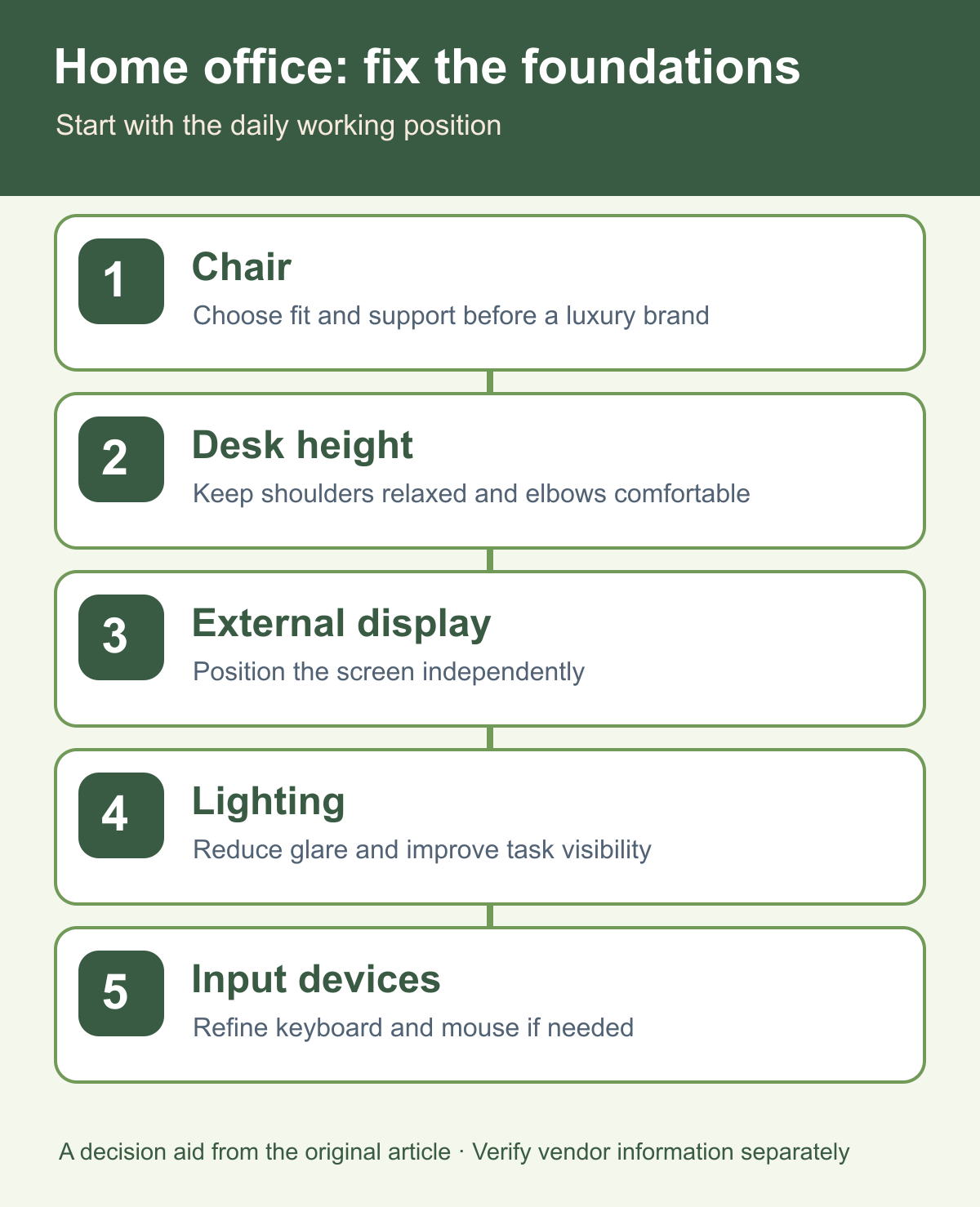
My first priorities would be a suitable chair, the height of the desk and working posture, an external monitor, and lighting. Keyboard and mouse upgrades come after those foundations when necessary.
Start with posture and visibility
For long days of remote development, the workspace needs to support extended concentration without avoidable discomfort. I would assess the following in order:
- Does the chair support a comfortable sitting position?
- Does the desk let my hands and arms work without strain?
- Can I place the primary display at a suitable viewing position?
- Can I see comfortably without glare or poor lighting?
- Are the keyboard and mouse comfortable for the tasks I actually perform?
A higher-priced device is not automatically a better solution to any one of these questions.
1. Chair: fit matters more than the brand
A chair is my first concern because discomfort in the back, waist, or neck can affect the whole workday.
I would look at seat height, backrest support, and armrest position. The best fit is individual. A luxury label is less useful than being able to sit and move comfortably at your own desk.
2. Desk height and working posture
A desk that is too high or too low may encourage uncomfortable shoulder or wrist positions.
Ideally, you should be able to bend your elbows comfortably without constantly lifting your shoulders. A height-adjustable desk is one option, but chair adjustments and a footrest may be sufficient for many setups. You do not necessarily have to replace the desk first.
3. External monitor: reduce the need to look down
Long laptop-only sessions can encourage a lowered gaze. An external monitor can be positioned independently while also providing useful screen space for an editor, terminal, browser, and documentation.
For me, getting one display in the right position would come before buying a second one.
4. Lighting: avoid working against the room
A dim room or strong backlight may make extended screen work unpleasant. Consider both ambient lighting and the light available for notes or your keyboard.
This is especially relevant if you work late. Instead of focusing only on the display settings, look at the room and task lighting as separate controls.
5. Keyboard and mouse: optimize after the basics
Input devices are used constantly, and they deserve attention. But I would usually solve the chair, desk, and monitor arrangement before investing in premium keyboards.
An external keyboard and mouse can make long laptop sessions easier for some people, particularly when the laptop sits on a stand.
What can wait?
Desk decoration and coordinated accessories. They can make a workspace more pleasant, but visual uniformity does not directly solve an uncomfortable posture.
Premium audio gear. Adequate two-way audio matters for meetings; expensive speakers and headphones are not my first priority compared with a workable chair and monitor.
A second monitor. Try using one screen effectively before assuming additional displays will help.
Mistakes to avoid
Designing around photographs
An attractive desk image does not reveal how comfortable the setup feels after a full working day. Test fit and position in your own environment.
Staying laptop-only despite recurring discomfort
There is nothing inherently wrong with a laptop-only workflow. But if prolonged use is uncomfortable, a separate display and keyboard may give you more options for positioning.
Buying everything at once
A large initial purchase increases cost without telling you which change helped. Make one adjustment at a time and observe the result.
The minimum viable home-office setup
I would begin with a chair that fits, a workable desk height, one external monitor, and lighting that makes work comfortable. Add a keyboard and mouse when the physical arrangement or workflow calls for them.
FAQ
Chair or monitor first? My normal answer is the chair because of how much time I spend sitting. If your main problem is bending toward a laptop screen, the monitor could come first.
Do I need a standing desk? No. First check whether the chair and desk height work for you.
Can I keep using a laptop alone? Certainly. An external monitor is a worthwhile option for long stationary sessions, not a rule every worker must follow.
Bottom line
A sustainable home workspace starts with comfort rather than aesthetics. Adjust the chair, desk height, monitor, and lighting before chasing small gadget optimizations.
For a laptop-centric version of this plan, see the article on laptop accessories.